
Fees and finance
Every rupee has a trail.
From fee structure to day close: invoices, receipts, concessions, refunds and approvals, with the parent seeing the same receipt you issued.

Fees and finance: the screens.
EduzOS screens with fictional Greenfield School data.
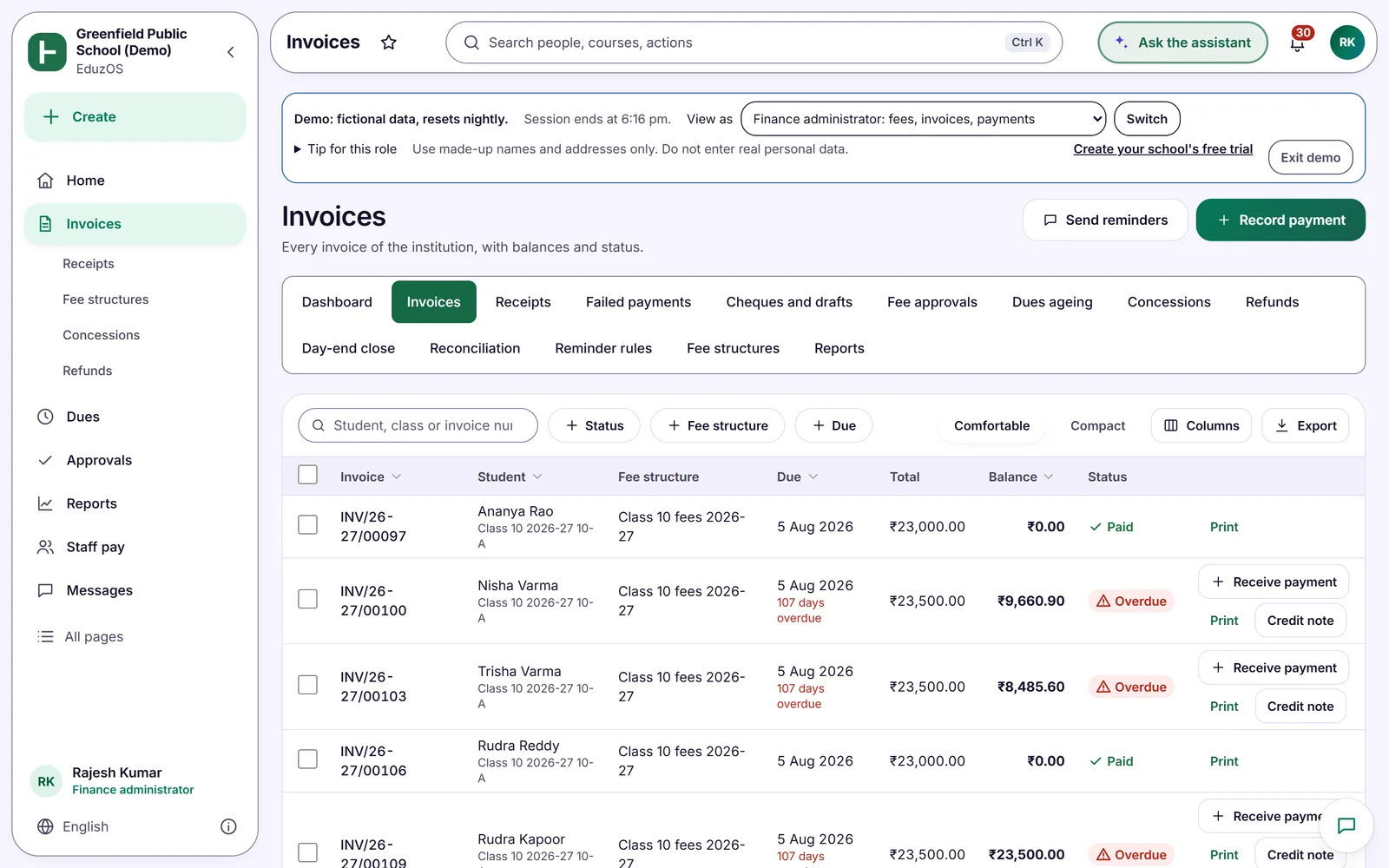
SCREEN 01
Invoices
Real product screen; Greenfield School is fictional.
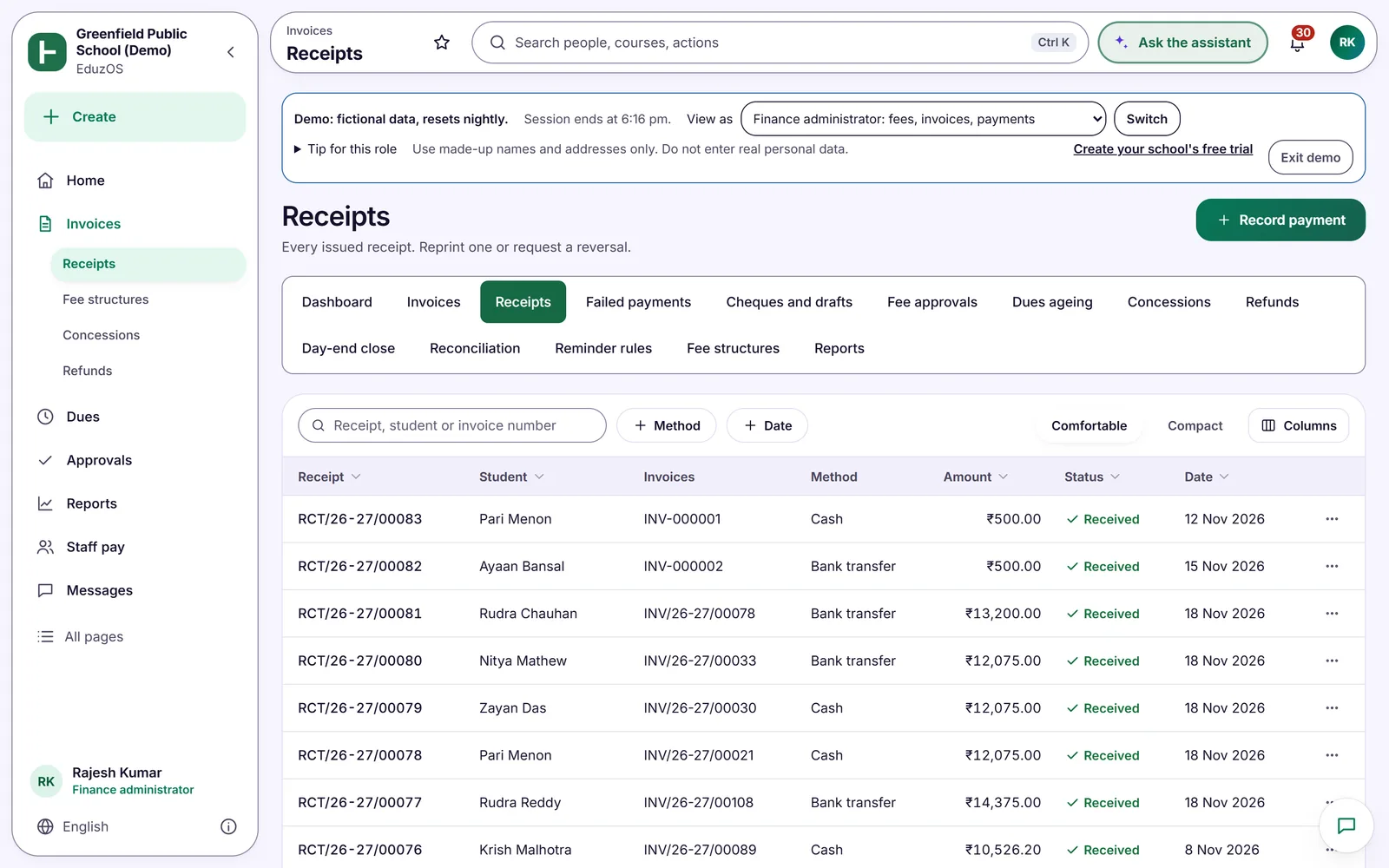
SCREEN 02
Receipts
Real product screen; Greenfield School is fictional.
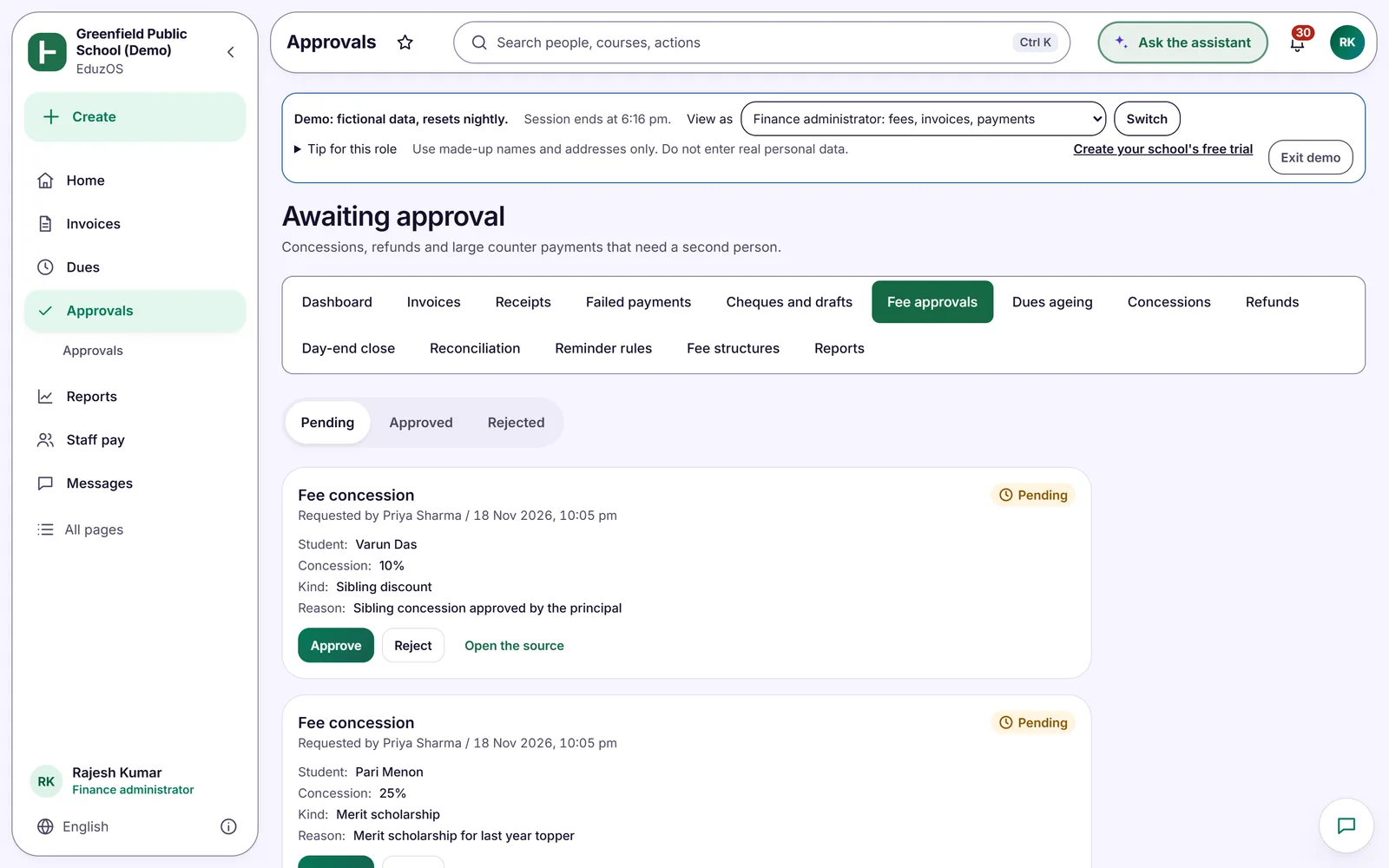
SCREEN 03
Approvals
Real product screen; Greenfield School is fictional.
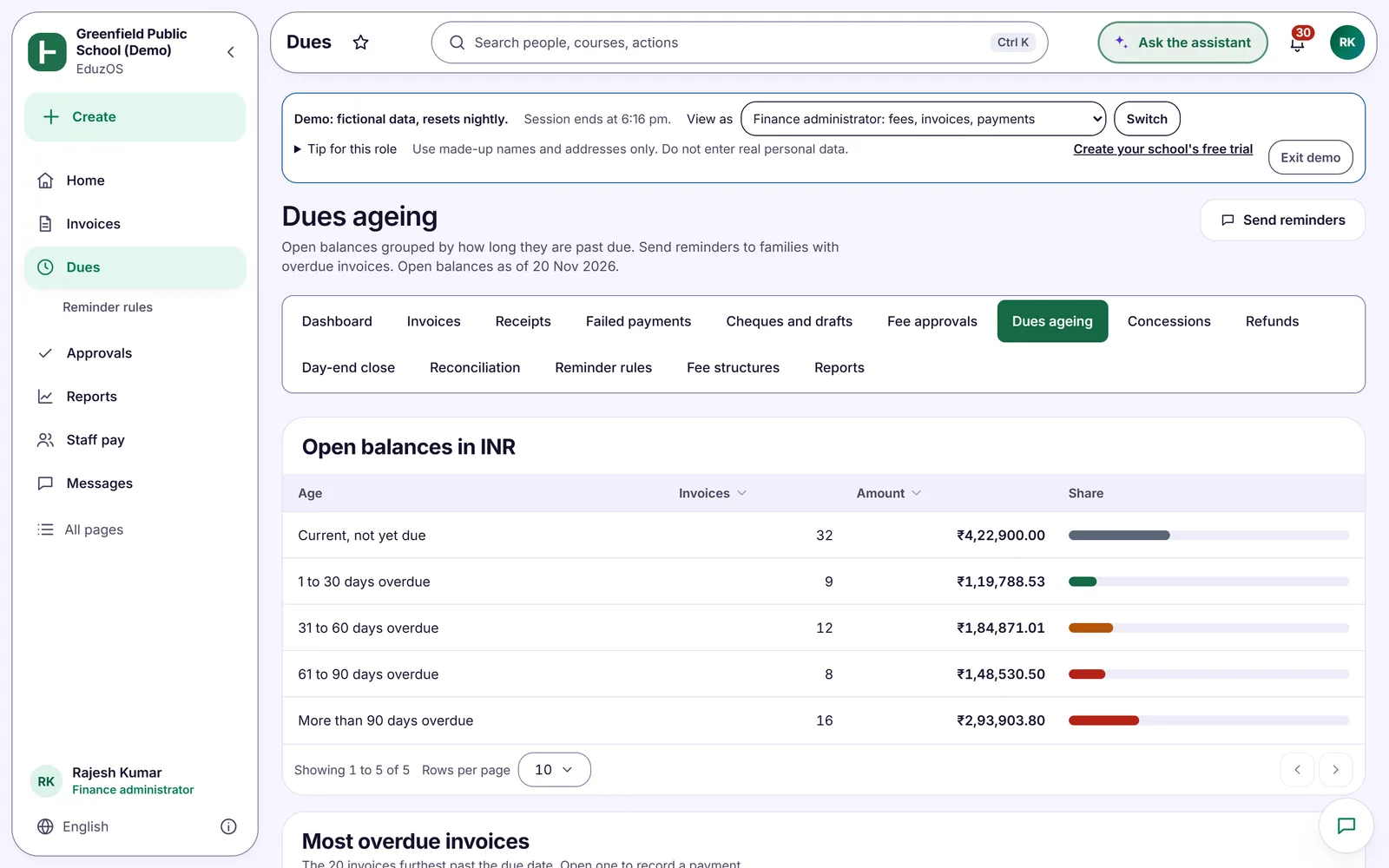
SCREEN 04
Ageing
Real product screen; Greenfield School is fictional.
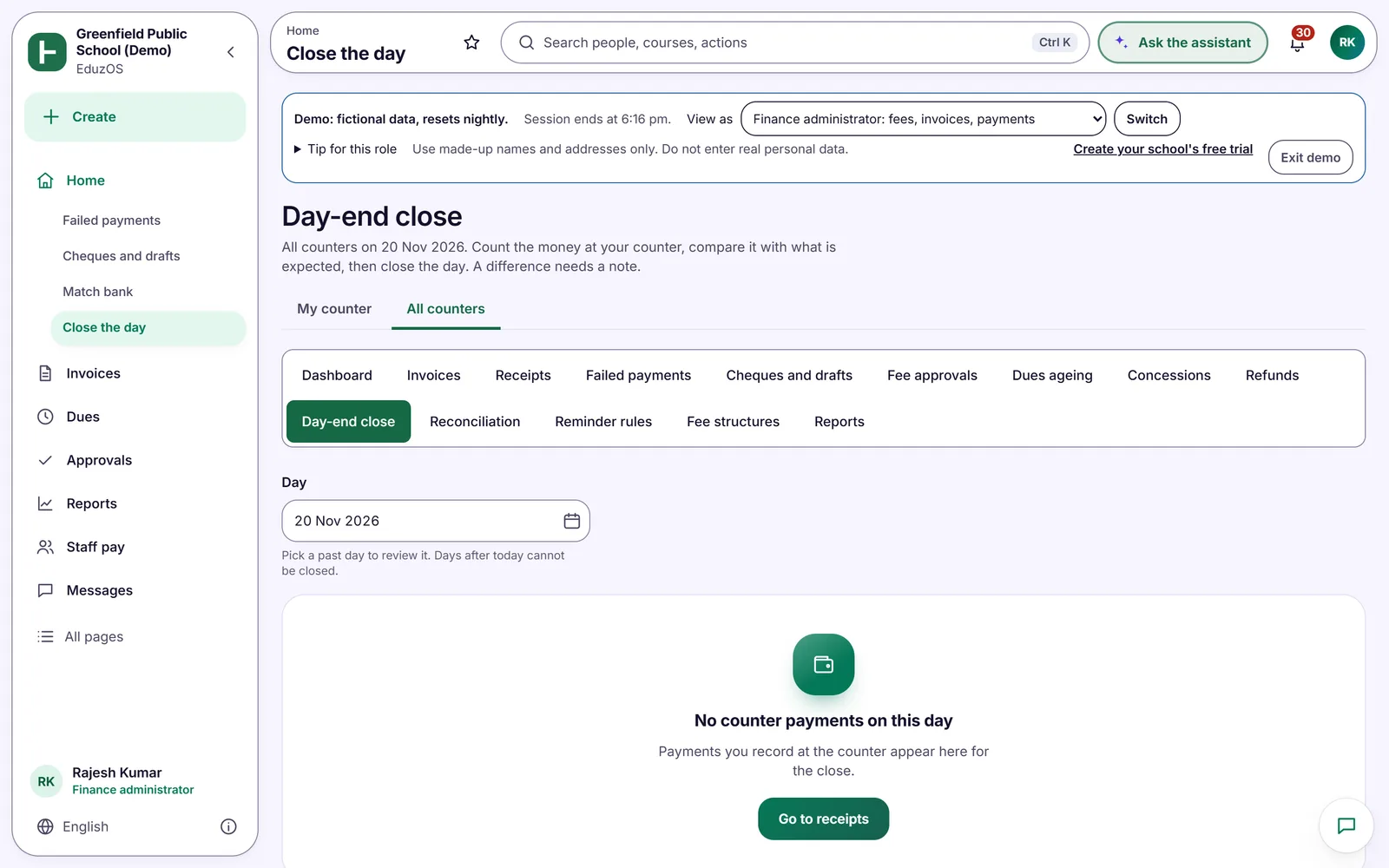
SCREEN 05
Day close
Real product screen; Greenfield School is fictional.


What ships
What ships in this area.
7 capabilities, in the product today
Said plainly
Online payment of fees is something we are working on. Today the counter takes payment and the cashier issues the receipt.
Fee structures and invoices
Define what each learner owes and raise invoices from it.
Receipts and cheques
The cashier takes payment, issues a receipt and tracks cheques.
Concessions and credit notes
Apply concessions and raise credit notes with a record of who did what. A credit note cannot exceed the invoice balance.
Refunds and approvals
Refunds go through approvals before money moves. A refund and a credit note are separate steps.
Ageing and reminders
See which invoices are overdue and send reminders.
Day close and reports
Close the day at the counter and read finance reports.
Family fee pages
Guardians see what is due and download receipts from their own fee pages.
Next areas
Keep walking the campus.
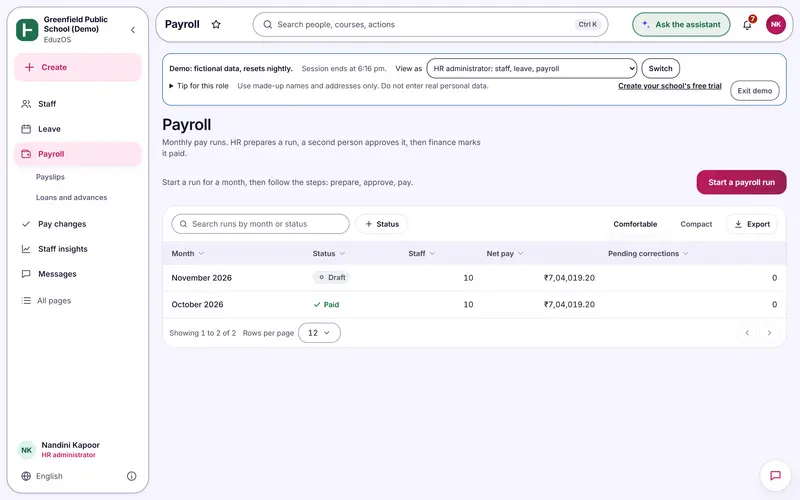
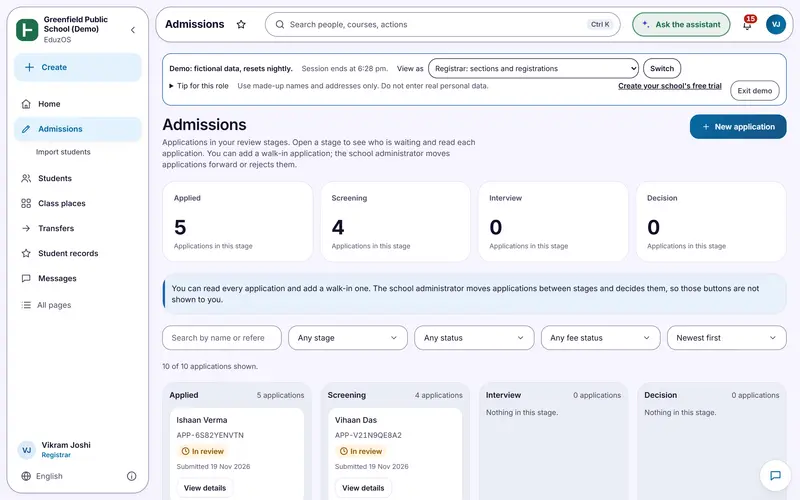
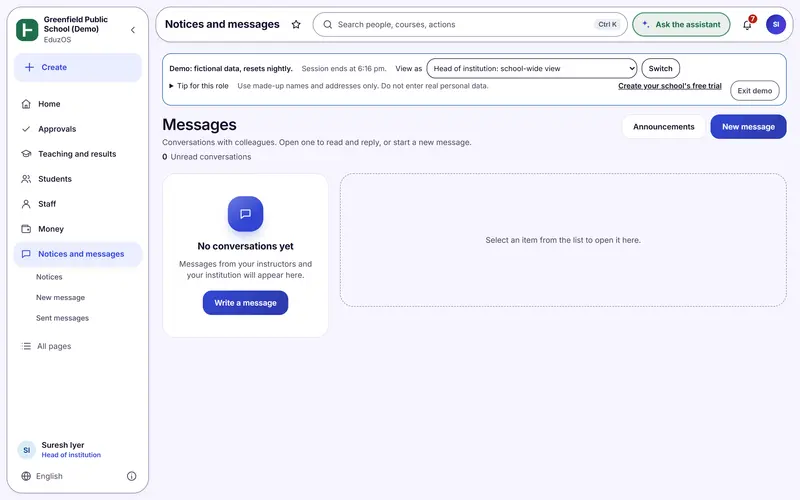
Three more areas of EduzOS, each with its own screens.
See this area on demo data.
We walk through this area on demo data, with the education pack closest to yours.