
Exams office
Run exam day calmly.
Plan halls and sessions, seat every candidate, issue hall tickets, check readiness, and handle cases and moderation in one office workspace.

Exams office: the screens.
EduzOS screens with fictional Greenfield School data.
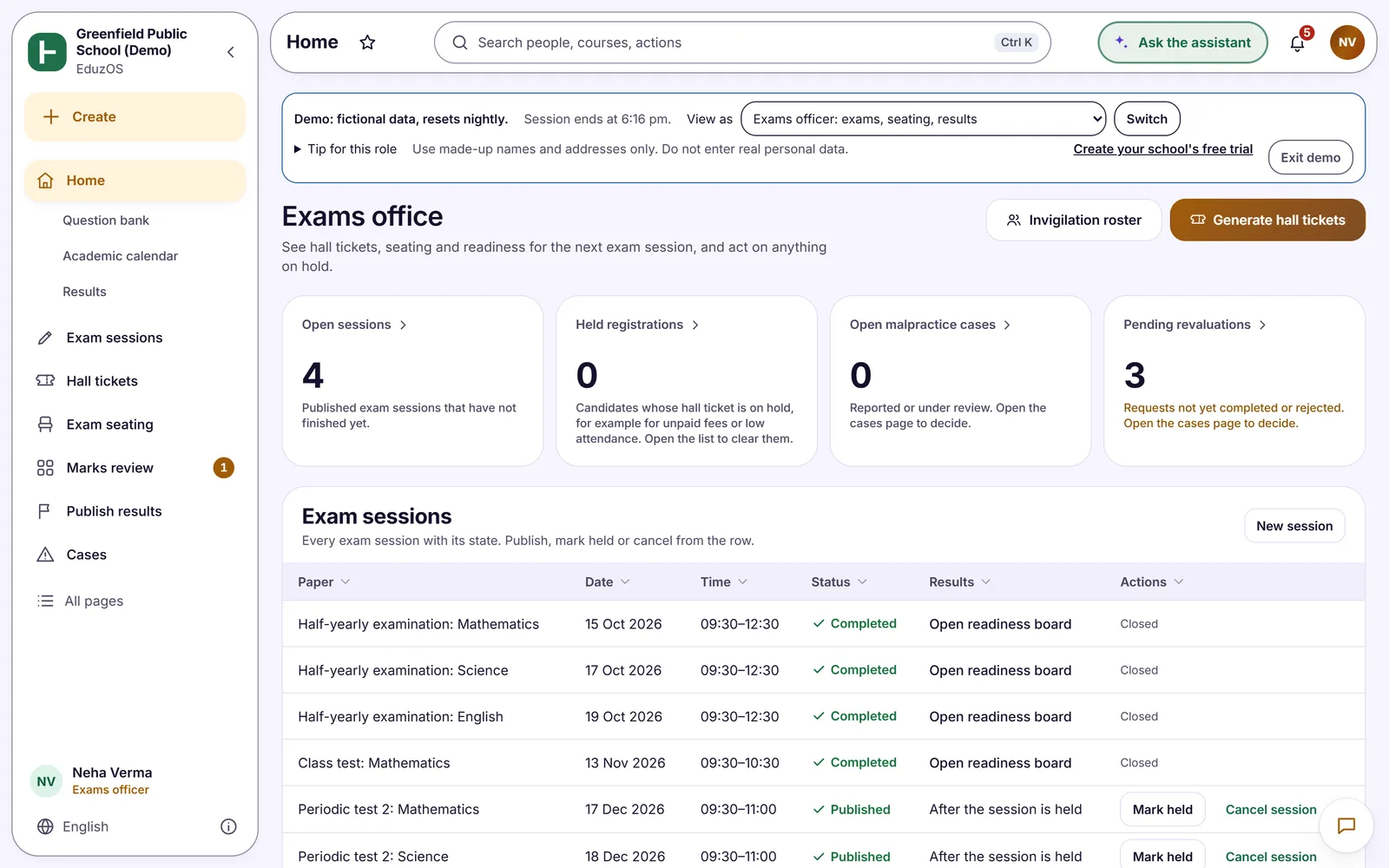
SCREEN 01
Exams home
Real product screen; Greenfield School is fictional.
SCREEN 02
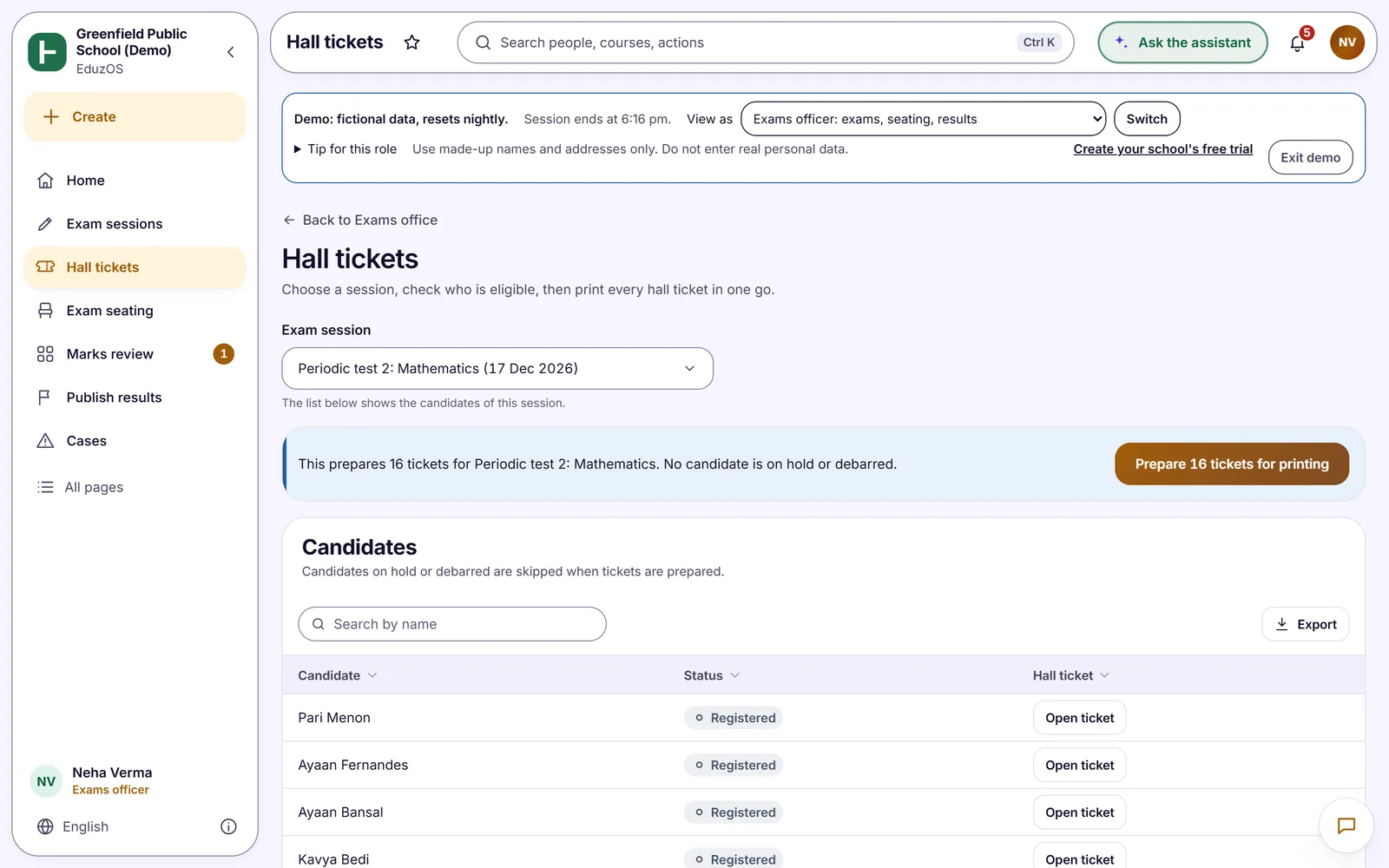
Hall tickets
Real product screen; Greenfield School is fictional.
SCREEN 03
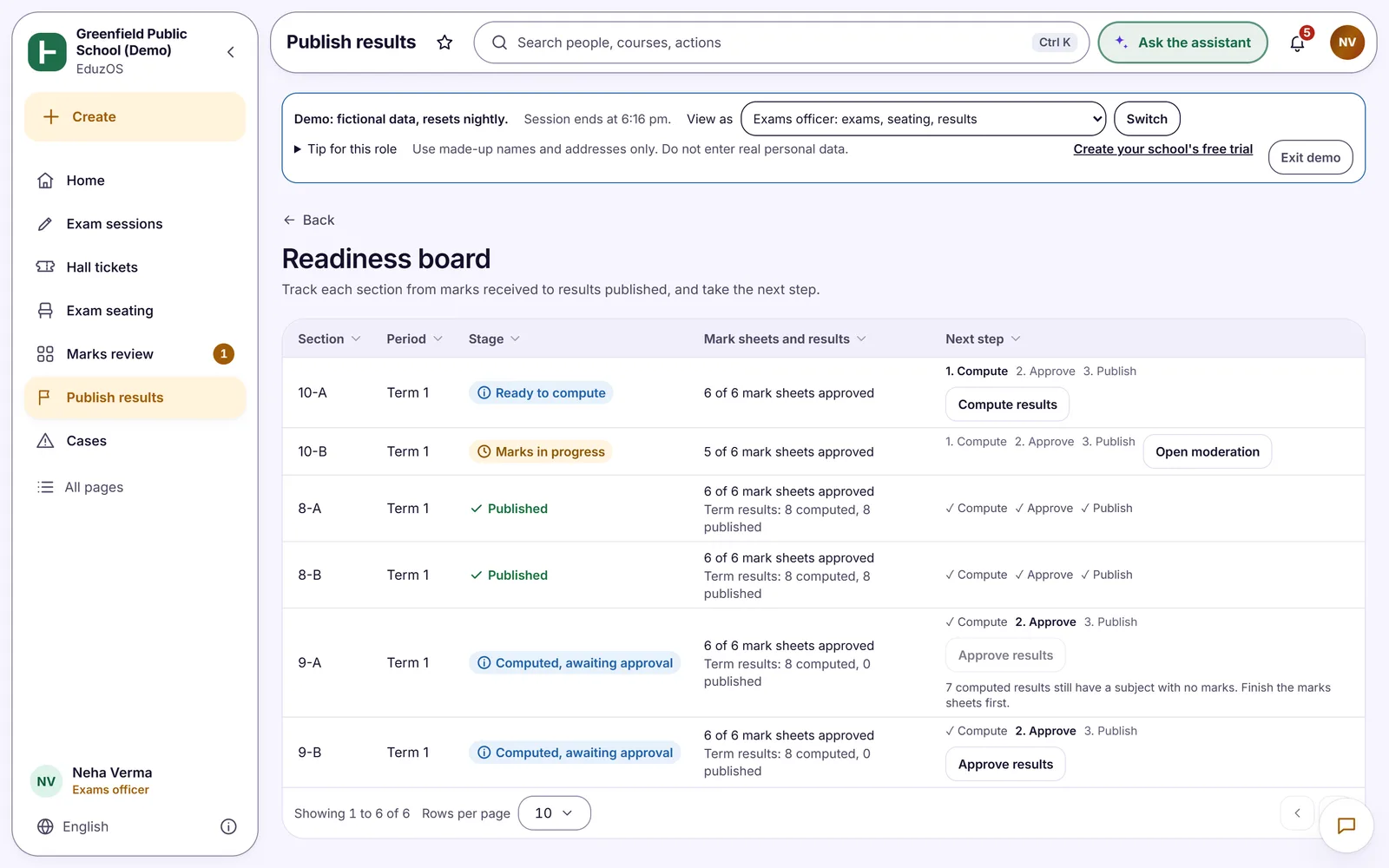
Readiness
Real product screen; Greenfield School is fictional.
SCREEN 04
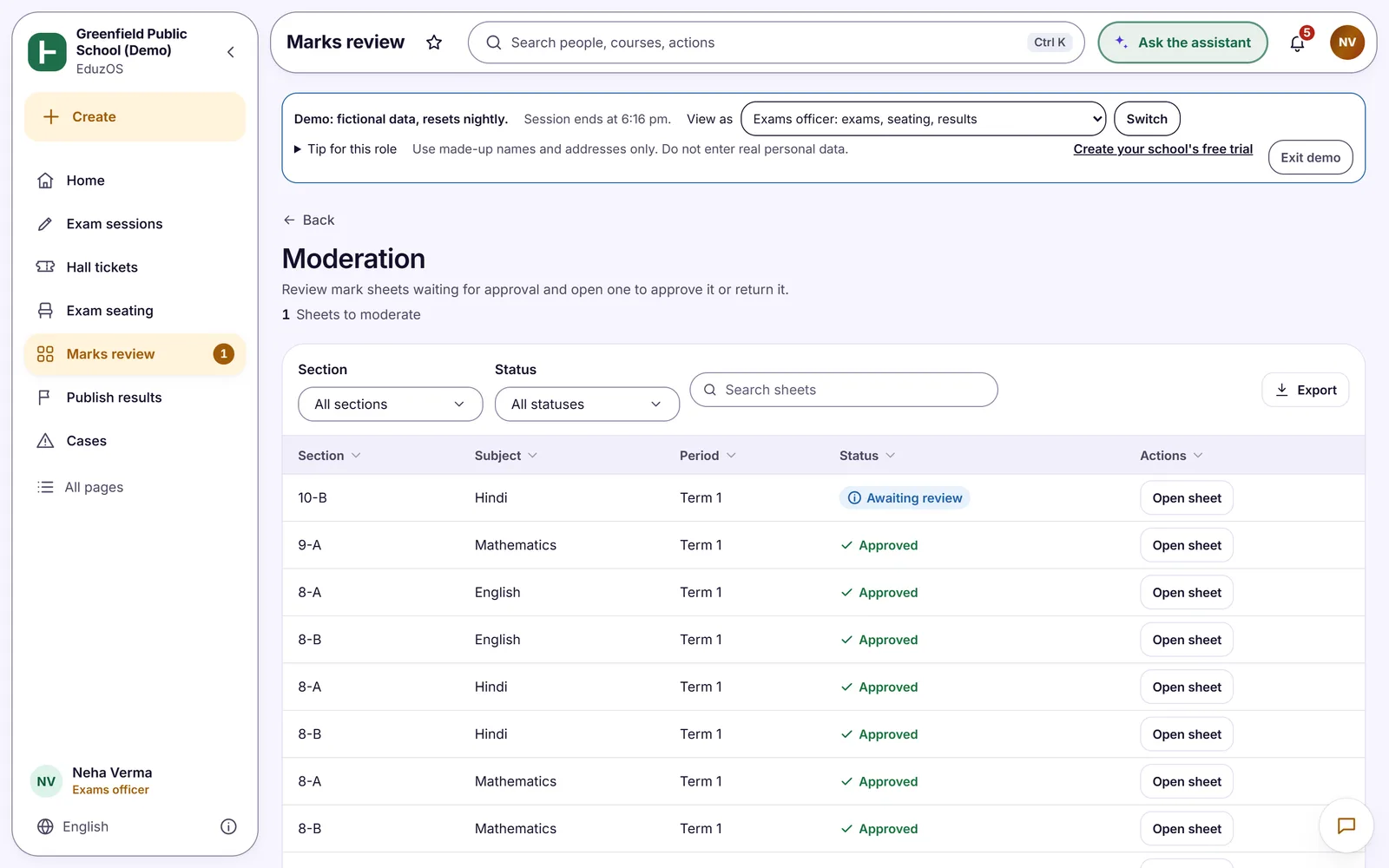
Moderation
Real product screen; Greenfield School is fictional.


What ships
What ships in this area.
7 capabilities, in the product today
Halls and sessions
Define your halls and schedule exam sessions into them.
Seating
Assign candidates to seats and publish the session.
Hall tickets
Generate, bulk print and release hall tickets. Students see theirs on the Documents tab.
Readiness
Readiness checks show whether a session is fit to run.
Cases
Record and follow up cases that arise during an exam.
Moderation
A moderation step for marks.
Results flow
Results, report cards and transcripts draw on the same records.
Next areas
Keep walking the campus.
Three more areas of EduzOS, each with its own screens.
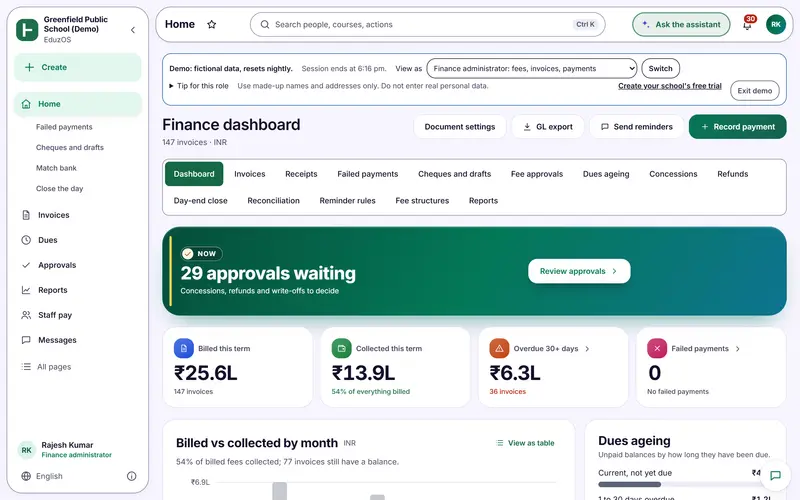
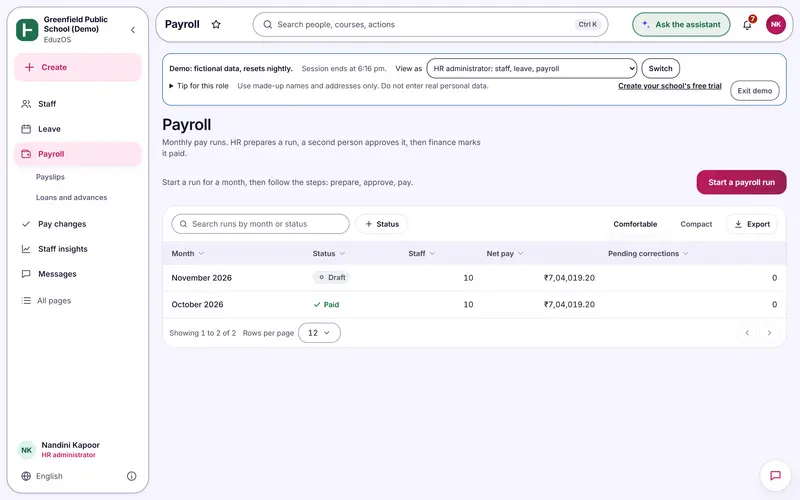
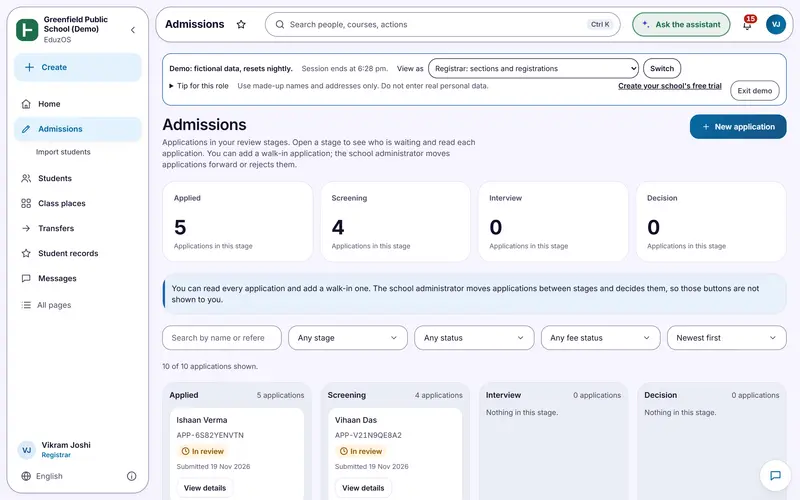
See this area on demo data.
We walk through this area on demo data, with the education pack closest to yours.